Your website photos are costing you bookings: how to tell which ones to change

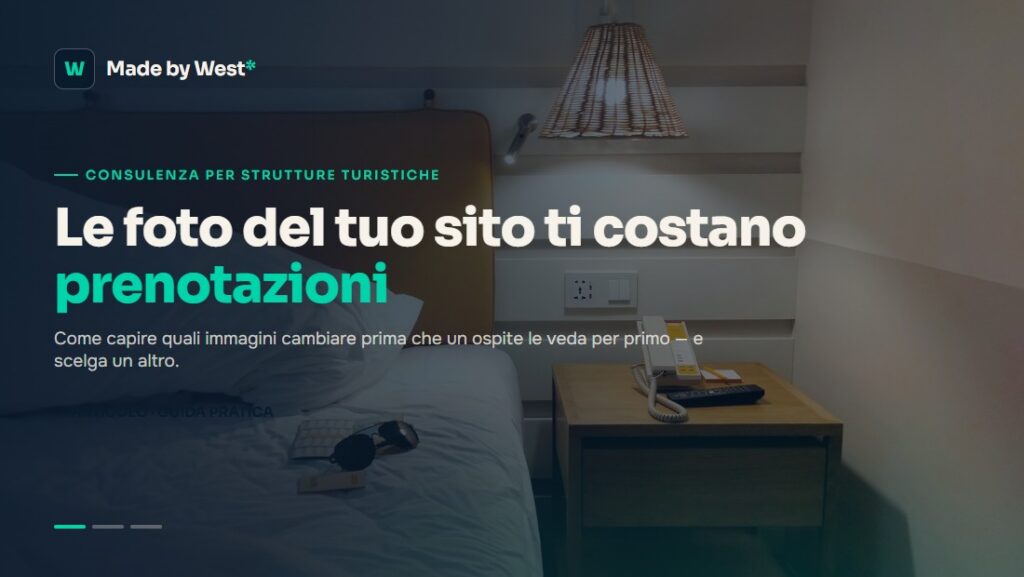
A dark room, an empty corridor, a bedroom that looks like an office: these are the images visitors find every day on hotel and B&B websites. And in many cases, three seconds are enough to close the page and open a competitor’s site.
Why photos matter so much
Guests who book online cannot touch the sheets or look out of the window. Photos are the only concrete proof of what you are selling. When the first image is dark or outdated, visitors do not think “what a bad photo”: they think “what a bad hotel”.
Booking platforms know this well: they order images by how well they convert. Your website should do the same, but it often shows photos in the order they were uploaded years ago.
The signals to check
- Brightness: a dark room looks small and neglected, even when it is spacious. You need photos taken in natural light.
- Image order: the first photo on the page decides everything. It should be your best room, not the reception.
- Updates: if you renovated recently but the photos are from years ago, guests trust what they see: the old photos.
- Mobile: most visits come from phones. Check how images look on a small screen, not only on your PC.
A simple test you can do today
Open your website the way a guest would: on a smartphone, without knowing your property. Look only at the first screen and ask yourself: “Based on this image, would I book here?” If the answer is uncertain, you have found the first photo to change.
Professional photos are not always necessary: many properties improve simply by photographing rooms in daylight, with curtains open and the room tidy, using a recent phone.
What to do next
Update the images, watch your direct booking data for a few weeks and compare. If you want a second opinion on your page and the whole guest journey, a website audit will show you what to change, concretely.